
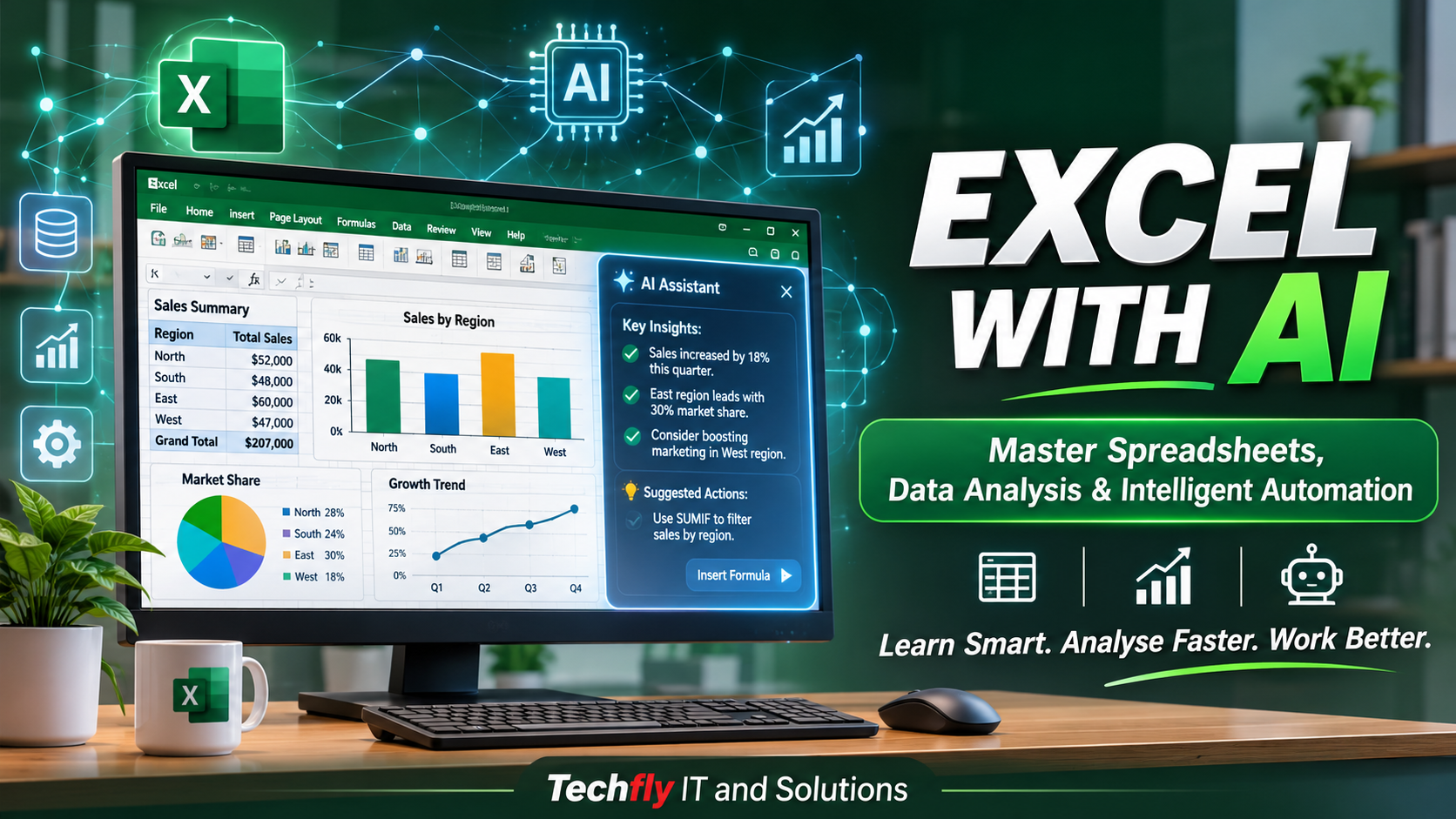
Microsoft Excel has been one of the most widely used tools for managing data, performing calculations, and analysing business information. However, with the introduction of Artificial Intelligence, Excel has become much more powerful than ever before. Today, professionals can use AI to automate repetitive tasks, generate formulas, analyse large datasets, create interactive dashboards, and make smarter business decisions. Learning how to combine Excel with AI can give students and working professionals a valuable advantage in today’s competitive job market.
Whether you are a student, business owner, accountant, or working professional, learning Excel Course in Jodhpur can help you develop practical skills that are useful across multiple industries. With AI-powered features and intelligent automation, Excel is no longer just a spreadsheet application; it is becoming an essential tool for modern data management and business intelligence.
What Is Excel with AI?
Excel with AI refers to using artificial intelligence tools and features to make spreadsheet operations faster, easier, and more efficient. Traditional Excel requires users to understand formulas, functions, and data management techniques. AI simplifies many of these processes by allowing users to interact with their data using natural language.
For example, instead of manually writing complex formulas, users can take assistance from AI tools to generate formulas, identify errors, summarise information, and create reports.
Microsoft has also introduced AI-powered capabilities through Copilot in Excel, helping users understand their data, generate insights, and work more efficiently.
How AI Is Transforming Microsoft Excel
Artificial Intelligence is changing how people work with spreadsheets. Some of the most useful applications include:
- AI-Powered Formula Generation
Writing complex Excel formulas can be challenging for beginners. AI tools can help generate formulas based on simple instructions. Whether you need VLOOKUP, XLOOKUP, IF, SUMIFS, COUNTIFS, or other advanced functions, AI can explain how formulas work and help you use them correctly.
- Automated Data Analysis
Analysing thousands of rows manually can take hours. AI helps identify patterns, trends, unusual values, and relationships within datasets. This makes it easier to understand business performance and make informed decisions.
- Smart Data Cleaning
Data often contains duplicate entries, missing values, spelling mistakes, and inconsistent formatting. AI-powered assistance can help identify these problems and suggest ways to clean and organise your spreadsheets.
- Creating Professional Dashboards
Dashboards help businesses understand important information through charts, graphs, and visual reports. AI can assist users in selecting appropriate charts, identifying key performance indicators, and presenting data in a more meaningful way.
- Generating Reports Automatically
AI can help summarise spreadsheet information and convert complicated datasets into easy-to-understand reports. This is particularly useful for accountants, managers, business analysts, and marketing professionals.
Important Excel Skills You Should Learn Alongside AI
Although AI makes Excel easier to use, understanding its fundamental features remains important. A good Excel training programme should cover both traditional spreadsheet skills and modern AI applications.
Some essential topics include:
Basic Excel: Worksheets, rows, columns, formatting, and data entry.
Excel Formulas: SUM, AVERAGE, IF, COUNT, MAX, and MIN.
Advanced Excel: VLOOKUP, XLOOKUP, INDEX, MATCH, and nested formulas.
Data Management: Sorting, filtering, removing duplicates, and data validation.
Pivot Tables: Summarising and analysing large datasets.
Data Visualisation: Creating charts, graphs, and interactive dashboards.
Excel Automation: Macros, basic VBA, and repetitive task automation.
AI Integration: Using Microsoft Copilot and AI tools for formulas, analysis, and reporting.
Combining these skills can help learners become more productive and confident when working with real-world business data.
Why Should You Learn Excel with AI in 2026?
Businesses across industries depend on accurate data to manage their operations and improve productivity. From maintaining employee records to analysing financial performance, Excel continues to play an important role in everyday business activities.
Learning Excel with AI can provide several benefits:
Improved Productivity: Complete repetitive spreadsheet tasks more quickly.
Better Accuracy: Identify errors and receive assistance with complicated calculations.
Time-Saving: Automate reporting and simplify data analysis.
Career Opportunities: Develop skills useful in accounting, administration, finance, marketing, and data analytics.
Practical Problem-Solving: Understand business data and generate meaningful insights.
For students and professionals looking to improve their computer skills, enrolling in Excel Training Near Me can be a practical step towards developing industry-relevant knowledge.
Career Opportunities After Learning Excel with AI
Excel is used in almost every industry, making it a valuable skill for people from different educational and professional backgrounds.
Some career opportunities where Excel skills are particularly useful include:
- Data Analyst: Work with datasets, identify trends, prepare reports, and support business decisions.
- MIS Executive: Maintain management information systems, prepare daily reports, and monitor business performance.
- Accountant: Manage financial records, calculate expenses, prepare invoices, and organise financial statements.
- Business Analyst: Analyse business information, prepare dashboards, and identify opportunities for improvement.
- HR Executive: Maintain employee databases, manage attendance records, and prepare payroll reports.
- Sales and Marketing Executive: Track sales performance, analyse customer information, and monitor marketing results.
Although Excel alone does not guarantee a particular job, combining it with analytical thinking, communication, and other technical skills can improve your professional opportunities.
How Techfly IT and Solutions Can Help You Learn Excel with AI
At Techfly IT and Solutions, we believe that practical computer education should prepare students for real-world challenges. Learning Excel is not just about memorising formulas; it is about understanding how to use data effectively.
Our training approach focuses on developing practical knowledge of spreadsheet management, advanced Excel functions, data analysis, dashboards, and AI-assisted productivity.
Students can learn how to:
Work confidently with Excel spreadsheets.
Use basic and advanced Excel formulas.
Analyse and organise business datasets.
Create professional reports and dashboards.
Explore AI tools for spreadsheet automation.
Apply Excel knowledge to real-world business scenarios.
If you are searching for a reliable place to improve your computer skills, Techfly IT and Solutions in Jodhpur can help you take the next step towards digital proficiency.
Conclusion
The combination of Microsoft Excel and Artificial Intelligence is transforming how individuals and businesses manage information. From generating complex formulas to automating reports and analysing large datasets, AI is making spreadsheet management more efficient and accessible.
However, the real advantage comes from understanding Excel fundamentals and knowing how to use AI effectively. Developing these skills can help students, job seekers, and working professionals become more productive and prepared for modern workplace requirements.
If you want to strengthen your technical knowledge, consider joining an Excel Training Institute in Jodhpur and start building practical skills that can support your career growth in 2026 and beyond.
Suggested SEO Meta Title: Excel with AI Course in Jodhpur | Advanced Excel Training – Techfly
Meta Description: Learn Excel with AI in Jodhpur at Techfly IT and Solutions. Master advanced Excel, formulas, dashboards, data analysis, and AI-powered automation.
Suggested Focus Keyphrase: Excel with AI Course in Jodhpur
LSI Keywords:
Advanced Microsoft Excel
AI-powered Excel automation
Excel formulas and functions
Microsoft Copilot for Excel
Excel data analysis
Excel dashboard training
Spreadsheet management
Excel for business analytics
Data visualisation using Excel
Professional Excel training